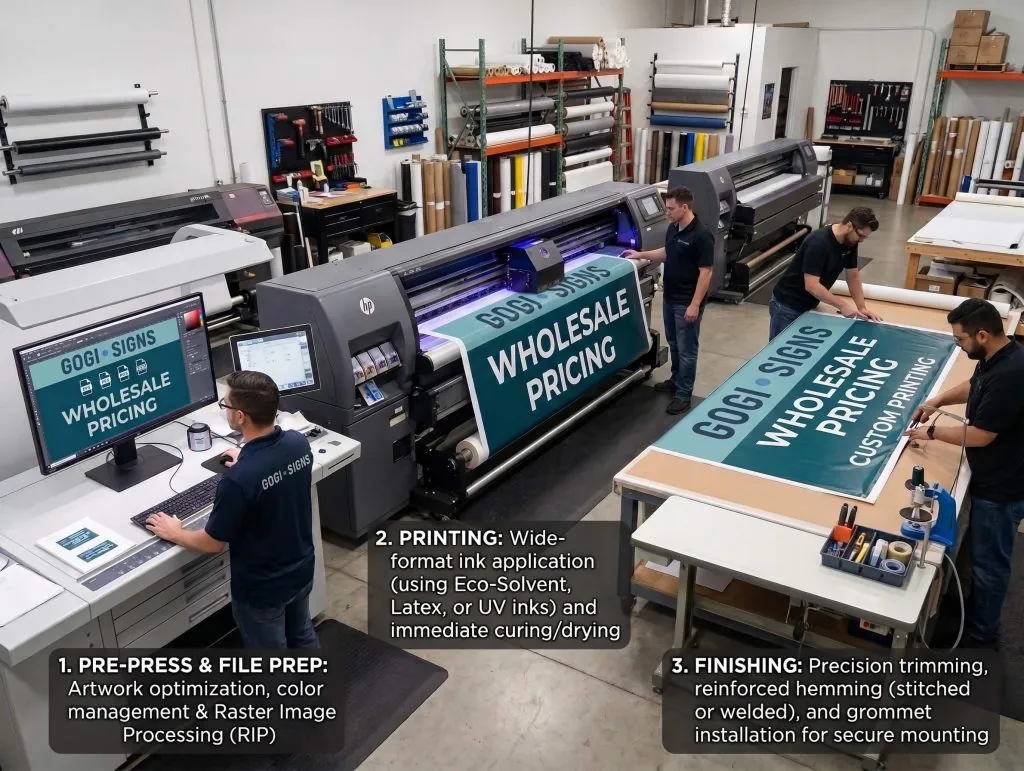
— Artwork & File Preparation

Artwork Guidelines for Sign Production

Send the best files you have along with the finished size and a short description of the project. Vector artwork is preferred for logos and lettering. For photos or printed graphics, send the highest-quality original image available.

You do not need to make the file production-ready before contacting us.

If you are unsure about file type, resolution, color, scaling, or setup, send what you have. We can review it against the actual sign or graphics project and tell you what is needed.

— Best Files to Send

Best File Types for Signs and Graphics

The right file depends on what is being produced. These three groups cover most sign and graphics projects.
wholesale printing service nj
Working artwork is easier to review when we have the original source files.
AI · EPS · PDF
Logos, lettering, and cut graphics

Vector artwork is the best starting point because it can be resized cleanly for signs, vinyl, lettering, and custom shapes.

JPG · PNG · TIFF · PSD
Photos and image-based graphics

Send the original, highest-quality image you have. Avoid screenshots or images copied from websites when an original file is available.

PDF
Finished layouts

A print-ready PDF works well when the layout is already approved. Include the finished size or tell us the scale used in the file.

— ABefore You Send

What to Include With Your Artwork

You do not need a long preflight checklist. These details answer most of the questions that come up when artwork reaches production.

01
Tell us the finished size If the artwork is built at a smaller scale, tell us what that scale is.
02
Outline final fonts or send a print-ready PDF This helps avoid font substitution. Keep your own editable copy before converting text to outlines.
03
Include linked images If an Illustrator or layout file uses external images, embed them or send them with the artwork.
04
Identify exact brand colors when they matter If a PMS color or approved corporate color must be matched, include that reference with the job.
05
Send a visual reference A JPG or PDF showing the approved layout helps us confirm we are looking at the correct version.

— Vector vs Raster

When to Send Vector or Raster Artwork

The right file depends on what is being produced. These three groups cover most sign and graphics projects.

— Vector vs Raster

Preferred for logos and lettering

Vector Artwork

Vector artwork is made from paths and shapes. It can be resized without becoming pixelated, which makes it the best starting point for logos, lettering, cut vinyl, routed shapes, and many fabricated signs.

Common files

AI, EPS, SVG, and vector-based PDF.

Used for photos and detailed images

Raster Artwork

Raster artwork is made from pixels. It works well for photographs and printed graphics, but quality depends on how many pixels are available at the final printed size.

Common files

JPG, PNG, TIFF, PSD, and raster images placed inside PDF or AI files.

— Image Resolution

How Much Image Resolution Do You Need?

Small close-view prints and large wall, vehicle, or banner graphics are not judged the same way. The useful question is whether the original image has enough detail for its final size and viewing distance.

— Files That May Need Attention

Artwork Issues That Can Hold Up Production

— Not Sure What You Have?

Not Sure If Your Artwork Is Ready?

Do not hold up the project because you are unsure whether a file is AI, EPS, vector, high-resolution, CMYK, or ready for print. Send the best version you can find and tell us what you are trying to make.

For projects such as vehicle wraps, wall graphics, contour-cut graphics, routed shapes, or fabricated signs, we may request additional setup after reviewing the artwork and project details.

— Ready to Send a Project?

Send Us the Best File You Have

Include the project type, finished size, location, and any photos or reference files that help explain what you need.

Gogi Signs
Contact Details
Why Choose Gogi Signs?
Request a Service
Do you have a file to share?
Contact Details
Gogi Signs
Contact Form
Please submit the form below for your general questions.
Do you have a file to share?